Which tablet for Grandma? What really matters

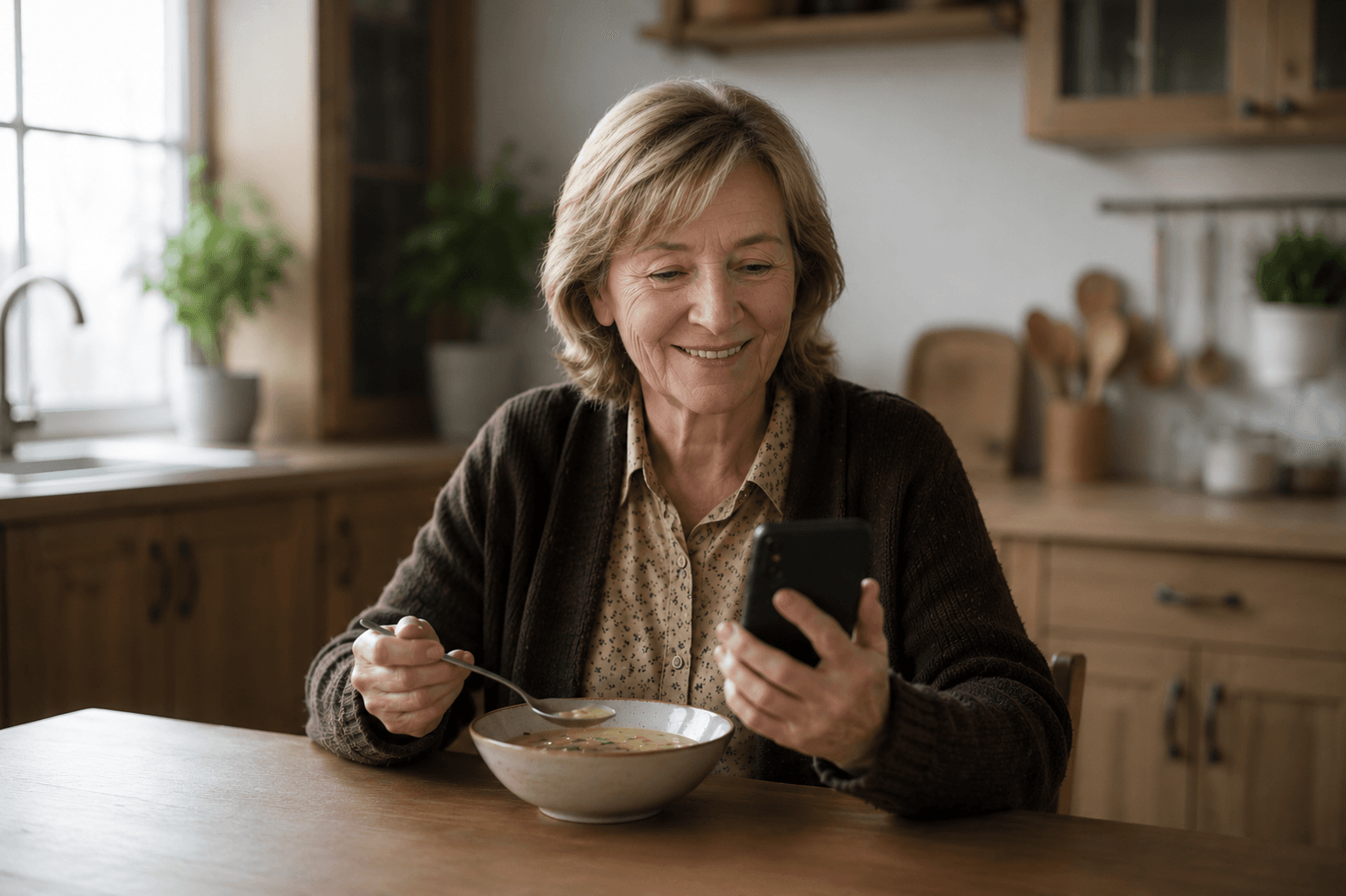
What actually matters when you're choosing a device for an older person in your family – and what it takes for the technology not to become an obstacle.
Imagine giving your mother a new tablet. It looks modern, does a lot – and three weeks later it's sitting unused in a drawer. The problem is rarely the person's willingness. It's almost always the choice of device.
Before you decide, five questions help.
Speaking instead of tapping
Conventional apps expect users to navigate – open menus, scroll, tap, interpret icons. For people with limited eyesight, tremors, or little prior digital experience, each of these requirements is a potential barrier.
A device that can be operated by voice turns this model around: the interaction begins with the simplest thing people can do – speak. No menu has to be opened, no icon has to be interpreted.
The question isn't whether your mother is tech-savvy enough. The question is: can she make a phone call? If the answer is yes, the technical hurdle is nearly zero.
Simplicity – no menus, no dead ends
Modern interfaces often rely on swiping gestures or pinching to zoom. For many people, these movements are difficult in terms of motor control and not cognitively intuitive. Simple tapping is the more reliable choice.
Many people use digital devices with a quiet worry: breaking something, or ending up in a dead end they can't find their way out of. A good device doesn't test the user – it holds them.
-
Large buttons (at least 48 pixels) with enough spacing to avoid accidental taps
-
An always-visible back or home button that makes any mistake instantly correctable
-
Strong contrast between text and background – accessibility guidelines often recommend going beyond the standard here
Dignity instead of condescension
Design that takes a person seriously never looks boring. Curb ramps were originally built for wheelchair users – today parents with strollers, cyclists, and delivery workers rely on them just as much. What helps one person often helps everyone.
Good design is the absence of fear and the presence of trust. A device that never embarrasses or overwhelms someone strengthens exactly what matters most: independence.
Set up and ready – the family handles the technical part
A good device arrives already set up. The family takes care of setup and adjustments once – the person themselves doesn't have to configure anything and can't get it wrong.
Plug in, speak once – and it works. No menus that first have to be understood.
And afterwards, the family stays connected without intruding: small, reassuring signals instead of control – a message, a call, a shared moment.
Privacy that isn't an afterthought
A device that listens every day should also hold up on privacy: GDPR-compliant, under European data protection law – with a protected space that belongs to the family alone.
The short answer
A tablet or device for Grandma or Grandpa doesn't have to be a compromise. Look for voice control instead of menus, large buttons and a safe way back, design that doesn't condescend, setup the family can handle, and privacy that isn't an afterthought.
Amara is built around exactly these criteria – just start talking and try it out.
Image note: the photographs on this page were generated with AI. They do not show real people.